
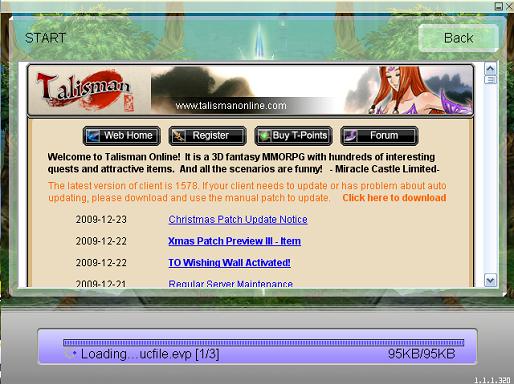
There is a small glitch in updating to ver. 1626: The update will not continue when it goes to update "ucfile.evp" as the picture shown below.
Solution: Just click "Back" to return, then click "Start" again, then the update will go on smoothly.
If the client window is closed after you click "Back", just reopen the client to "Start" will be ok.
Sorry for the inconvenience! Update stops in this step
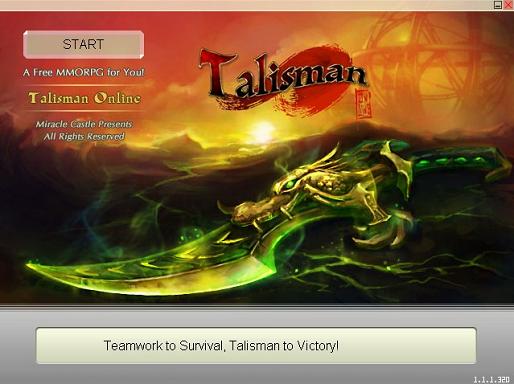
Update Success
 |
2007 Miraclecastle Entertainment, lnc. All rights reserved.